

AI has become part of everyday work. Summarizing a meeting, pulling data from a spreadsheet, drafting a client email; the results are often surprisingly good. Until the questions get more specific.
Ask AI about your company’s current pricing policy and it might cite a version from two years ago. Ask it for a case study with real ROI numbers and it might generate one that sounds plausible but never actually happened. This is called a hallucination – or drift when the pattern keeps repeating.
Why does it happen? The model was trained on data that existed before your question. It doesn’t have access to what you’ve written internally, updated recently, or stored in your systems – and while some models can query the web to fill gaps, that’s neither reliable nor efficient for company-specific knowledge. So it fills the gaps with the most statistically likely answer, which isn’t always the correct one.
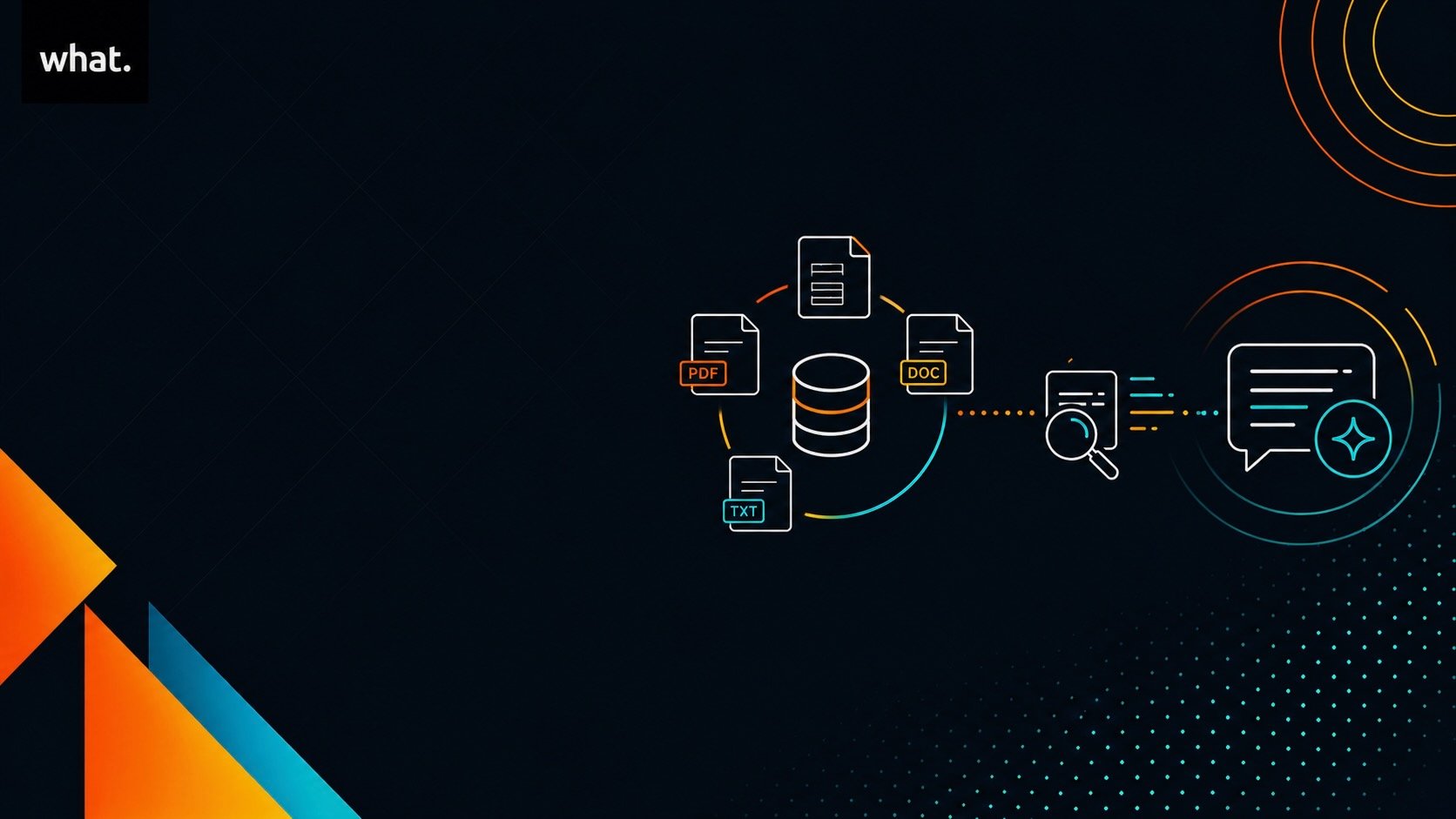
RAG – short for Retrieval-Augmented Generation – is the most practical solution to this problem. Instead of relying on the model’s memory, RAG connects it to your actual knowledge base in real time. Company policies, sales documents, internal manuals, FAQs – when someone asks a question, the system first finds the relevant passages from your content, adds them as context, and only then generates an answer based on that material.
It’s genuinely powerful. Your internal documentation can become something like an operational oracle, answerable in plain language. But it’s not magic, and it’s not the right tool for every situation.
By the end of this article, you’ll know what RAG actually does, how to prepare your content for it, and when it’s the right choice versus when you need something more structured.
How RAG works (without the jargon)
RAG sits invisibly between your question and the AI’s answer. The model doesn’t answer from memory alone; it first retrieves relevant material from your knowledge base and uses that as the foundation for its response.
Here’s the process, stripped down:
- Content preparation: You load your documents (policies, FAQs, procedures) into the system in a structured, readable format.
- Indexing: The system processes that content using two complementary approaches: classic keyword search and semantic search (more on this below).
- Retrieval: When a question comes in, the index pulls the most relevant passages.
- Generation: The AI produces an answer using those retrieved passages plus its general knowledge.
The result is an answer grounded in your actual content, not generated from scratch.
Why hybrid search matters
Keyword search works well when someone uses the exact term that appears in a document. Semantic search goes further: it understands meaning, not just words.
For example: “how to increase company margin” and “reduce operating expenses” point to the same concept but share almost no keywords. Semantic search finds relevant content even when the phrasing is different. In practice, well-built RAG systems use both approaches together. Keywords catch precise references, product codes, and proper names. Semantic search handles everything where intent matters more than exact wording.
RAG vs. fine-tuning
These two are often confused. RAG doesn’t change the model itself – it uses a ready-made LLM (like Claude or GPT) and passes it the right slices of your knowledge base on each question. Update the knowledge base and re-index it, and answers stay current.
Fine-tuning is different. It permanently adjusts how the model behaves or speaks. That’s useful when you need a consistent style or domain-specific behavior – not when you mainly need accurate, up-to-date answers from documents.
One important thing to keep in mind: RAG is only as good as its retrieval. Wrong context in means a confident but wrong answer out. More retrieved content also means more tokens processed, which adds cost. That balance is something you design deliberately; it’s not a case of “more documents equals better answers.”
At what., we don’t always build RAG from scratch. We choose the approach that fits the actual need – custom RAG, managed search solutions, or a combination – so you’re investing where it genuinely pays off.
| RAG retrieves relevant content from your knowledge base and passes it to the AI as context before generating an answer. It uses a combination of keyword and semantic search. It doesn’t retrain the model – it connects a standard LLM to your documents in real time. Quality of retrieval determines quality of answers. |


Read also: Why do you need AI to automate your processes in the first place?
Preparing your AI knowledge base: why format matters more than you think
RAG retrieves what you wrote. If your documents are messy, fragmented, or poorly structured, the system won’t magically understand your business – it’ll find weak chunks and the model will fill the gaps with confidence. That’s when hallucinations sneak back in.
Retrieval quality depends almost as much on your content as on the algorithm behind it.
Markdown vs. PDF
PDFs are great for reading and sharing. For RAG, they’re often a headache. Complex layouts, broken tables, scanned pages – all of that needs OCR or a parsing step before it can be indexed. That adds cost, processing time, and a real risk of garbled text ending up in your knowledge base. Tools like LlamaIndex are widely used to handle this when PDF is unavoidable, but it’s always more effort than clean structured text.
Markdown works better because structure is explicit: headings, sections, and lists tell the indexing system exactly where one topic ends and another begins. For an AI model trying to retrieve the right chunk, that clarity makes a significant difference.
Markdown is also format-agnostic. It converts cleanly to HTML, Word, PDF, and most CMS exports, so your RAG pipeline isn’t locked to a specific vendor or tool. And it’s been the standard in software documentation for years precisely because it’s plain text, version-control friendly, and easy to maintain.
The practical rule: keep PDFs for archiving and distribution. Use Markdown (or equivalent structured text) as the working format for everything that goes into RAG. If you only have scanned PDFs, budget for extraction – it’s doable, but it costs more and introduces more room for error.
How to structure your documents for retrieval
A few simple habits make a meaningful difference in how well RAG performs:
- One topic per section. Use clear headings. Avoid single massive files that cover everything – prefer themed documents or well-separated sections so retrieval returns coherent blocks rather than half a chapter mixed with unrelated content.
- Descriptive, specific titles. “Introduction” or “Appendix” don’t help search. “Remote work policy – Switzerland” or “Handling price objections – enterprise clients” does. The title is often what gets matched first.
- Put codes and references early. If you use internal procedure codes, module names, or SKUs, include them in the heading or the first line. That makes keyword search hit the right place immediately.
- Use numbered lists for processes. Step-by-step procedures retrieve and cite better than dense prose paragraphs. If there’s a sequence, format it as a sequence.
- Cut the noise. Repeated headers and footers, legal disclaimers on every page, duplicate versions of the same document – all of this pollutes your index. Clean content retrieves cleanly.
A note on chunking
Long documents get split into smaller chunks for indexing. Chunks that are too large bring in too much noise; chunks that are too small lose the thread of meaning. Splitting at Markdown headings naturally keeps related content together and reduces the risk of cutting a concept in half.
Good indexing pipelines also use overlap – a few lines from adjacent sections are included with each chunk so the model doesn’t lose context at the boundary. If a document is short and always relevant in a given flow, sometimes including it in full works better than relying on retrieved fragments alone.
The honest question to ask before buying a more expensive model or platform: is your knowledge base actually findable? A well-designed RAG on clean content will consistently outperform a mediocre setup on chaotic PDFs, at the same API cost.
Not everything belongs in RAG the same way
It’s worth being deliberate about what goes where. Three categories are useful:
| Type | Example | How to treat it |
|---|---|---|
| Non-negotiable rules | Brand voice, legal limits, core identity | Always inject into context – don’t leave to random retrieval |
| Ordered procedures | Playbooks, compliance steps | Prefer orchestration; RAG doesn’t guarantee step order |
| Supporting knowledge | Frameworks, case studies, deep FAQs | RAG shines here – retrieve when the question calls for it |
A common mistake is putting critical step-by-step procedures into RAG and hoping the model will follow them in order. It won’t reliably. Retrieval finds relevant fragments – it doesn’t replace a workflow engine with enforced sequencing.
| Format matters as much as the algorithm. Use Markdown over PDF where possible. Write clear, descriptive section titles. One topic per section. Remove noise and duplicates. Not everything should go into RAG the same way – critical rules should always be injected, not retrieved. |
Read also: Before implementing AI, it’s worth making sure your underlying workflows are solid first.
When RAG is enough – and when you need more
This is the question that saves teams from overbuilding or underbuilding.
RAG paired with an LLM is the right setup when someone asks a question and needs a grounded answer. It’s not the right setup when the interaction requires a process with mandatory steps, tracked state across sessions, or sequenced decisions that can’t be skipped.
Two mental models:
| RAG + LLM only | Orchestration + RAG + LLM |
|---|---|
| Question → retrieve → answer | Process state + retrieve → answer at the right step |
| Best for knowing | Needed when you must also do things in the right order |
Quick rule of thumb: one question, one answer, no mandatory sequence across sessions – start with RAG and an LLM. Same user, multiple turns, steps that can’t be skipped – add orchestration. RAG then serves as the supporting library, not the backbone of the process.
Three cases where RAG + LLM is the right call
- Internal FAQ or HR policy. “What’s our remote work policy for employees based in Switzerland?” – A well-indexed corpus, an answer grounded in the actual policy document, no multi-step journey required. Find it, explain it, done.
- Sales enablement. “Do we have a logistics case study with ROI?” – A library of commercial documents that users explore based on intent, not a fixed script. RAG handles this naturally.
- Product support (L1). “How do I reset the connection on device X?” – One question, one answer, tied directly to the manual. If retrieval misses, fix the document, not the whole architecture.
Three cases where you need a stronger architecture
- Digital coaching or consulting with a playbook. Multi-week engagements where you’re tracking goals, working through options, and closing with a plan. The current step and session rules need to live outside the model – in a database or state machine. RAG brings in frameworks and examples when that step calls for them. Without orchestration, the AI skips phases or forgets what was agreed two sessions ago.
- Employee or partner onboarding. Week one: documents. Week two: training. Week three: competency check. That order might be contractual or compliance-driven. Finding the right PDF isn’t sufficient – you can’t open module three until module two is complete. RAG supplies the content; a state machine drives the path.
- Guided sales discovery. Qualification, then needs analysis, then proposal – with mandatory questions at each stage. RAG retrieves pricing, battle cards, and objection handlers. An orchestrator enforces the sequence: “no pricing discussion before the needs are declared.” Without that, AI quotes too early or invents a framework that isn’t yours.
| RAG + LLM is enough for question-and-answer use cases: FAQs, policy lookup, sales enablement, L1 support. Add orchestration when you need enforced sequences, session state, or multi-step processes. RAG is a retrieval library, not a workflow engine. |
Fix your content before you blame the model
The temptation when RAG underperforms is to upgrade the model or switch to a more expensive platform. Usually, that’s the wrong move.
Most retrieval problems trace back to content quality, not model capability. Documents that are too long, poorly titled, or duplicated across versions will confuse even the best retrieval system. The fix is editorial, not architectural.
Before investing in infrastructure, check three things:
- Is the content ready? Structured, owned, up to date – not a mix of scattered PDFs and six versions of the same policy document.
- Is this a search-and-answer problem or a follow-a-path problem? FAQs and policies usually need RAG + LLM. Playbooks and multi-step onboarding need orchestration too.
- Is success clearly defined? “Useful answers tied to sources” is a success criterion. “It sounds smart” isn’t.
A fast way to find out where the real bottleneck is: pick one domain, curate 20 to 30 documents, write down 10 real questions your team actually asks. Run it. Within a few days you’ll know whether the problem is retrieval, content quality, or architecture – and you’ll have spent almost nothing to find out.
Want AI workflows that are reliable from end to end, not just at the retrieval step? Our tools integration services help connect the systems your RAG pipeline depends on – so data flows cleanly into your knowledge base and stays current without manual effort.
| Poor retrieval is usually a content problem, not a model problem. Check content quality before upgrading infrastructure. Run a small pilot first – 20–30 documents, 10 real questions – to locate the actual bottleneck. |
Ready to build a knowledge base that actually works?
The right question isn’t “which AI platform should I buy?” It’s “do I have a knowledge base worth retrieving – and a process that knows when to rely on RAG and when not to?”
That’s exactly the kind of question we help teams work through. As an AI automation agency, what. works with businesses to design RAG setups that fit the actual use case – not more complex than needed, not underpowered for the job. Whether that means a lightweight RAG-only setup or a fully orchestrated AI workflow, we help you figure out the right depth before you build anything.
Get in touch for a focused conversation. No sales pitch – just an honest look at whether RAG is the right fit and what it would take to make it work well.


